
Record your home once. Know instantly what a burglar took.
2 min
to record a whole room
Item level
proof, not just a photo album
Insurance
ready report in one click
What goes wrong today
The change happens long before anyone sees it.
- After a break-in, nobody can remember exactly what was in the room.
- Insurance wants proof you owned it, bought when, worth how much.
- Photos of valuables sit scattered across an old phone.
Example
Baseline vs. scan, side by side.
The left photo is what you taught MemoSafe. The right one is a later scan, with every change boxed and named on the image itself.
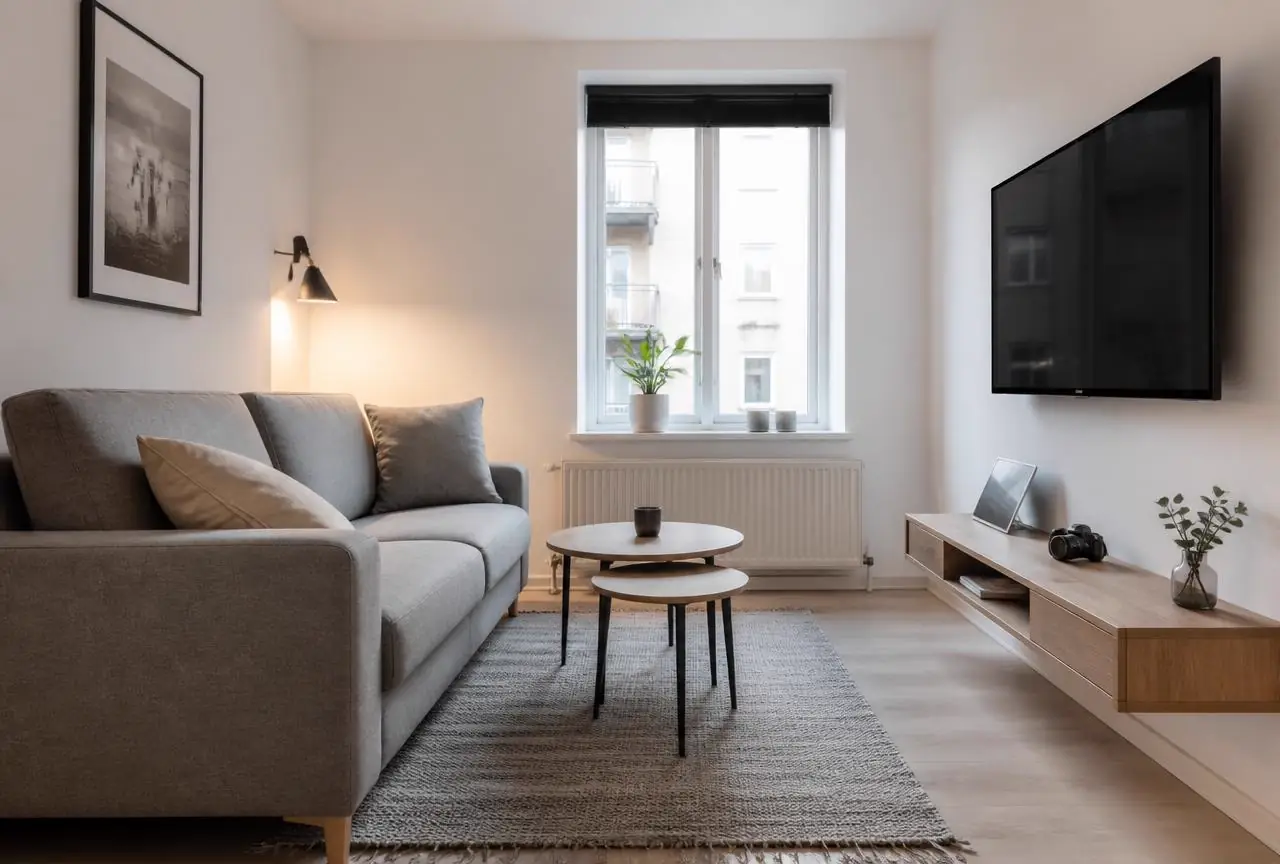
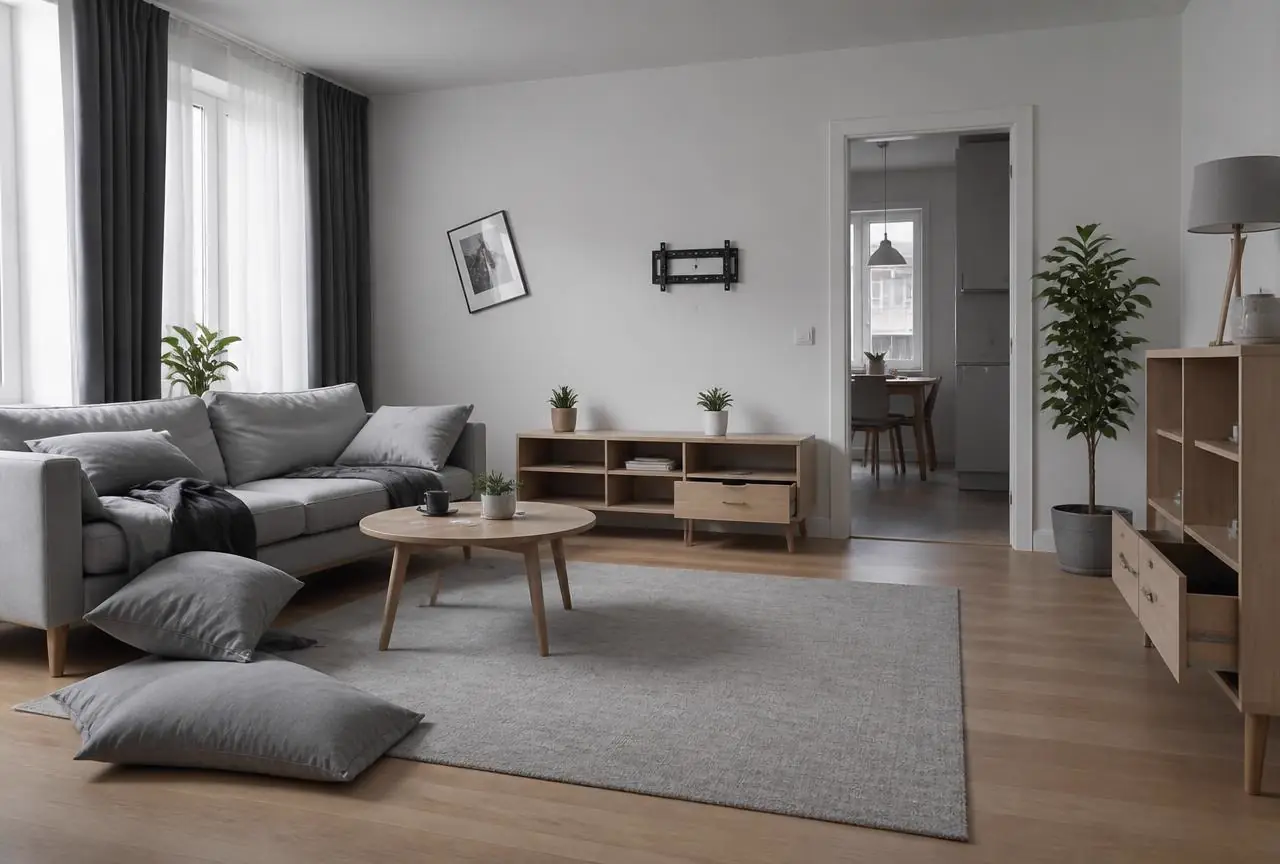
What it detects
Trained on the details of your home.
What is missing
Every object you recorded that is no longer there, listed with the photo it was last seen in.
What was moved
Drawers pulled out, furniture shifted, things put back in the wrong place.
What is new
Anything in the room that was not there before — including items left behind.
How it works
Four steps, one phone.

Step 1
Set up your rooms
Living room, kitchen, bedroom, garage — pick the rooms you want protected.
Step 2
Film each room once
A slow walkthrough video, or a handful of photos from the corners. That is the whole setup.
Step 3
Re-scan whenever you want
Back from holiday, after a break-in, or twice a year to keep the record fresh.
Step 4
Get the loss report
A dated list of missing items with before-and-after photos you can download and hand over.
In practice
Write the rule the way you would say it.
Area
Living room
Your rule
"Check the room after we come home from holiday"
Alert
TV, laptop and camera missing since 12 June.
Area
Garage
Your rule
"Tell me if any tools disappear"
Alert
2 power tools missing, workbench drawer opened.
Area
Storage unit
Your rule
"Check every six months"
Alert
Everything still there — 84 items confirmed.