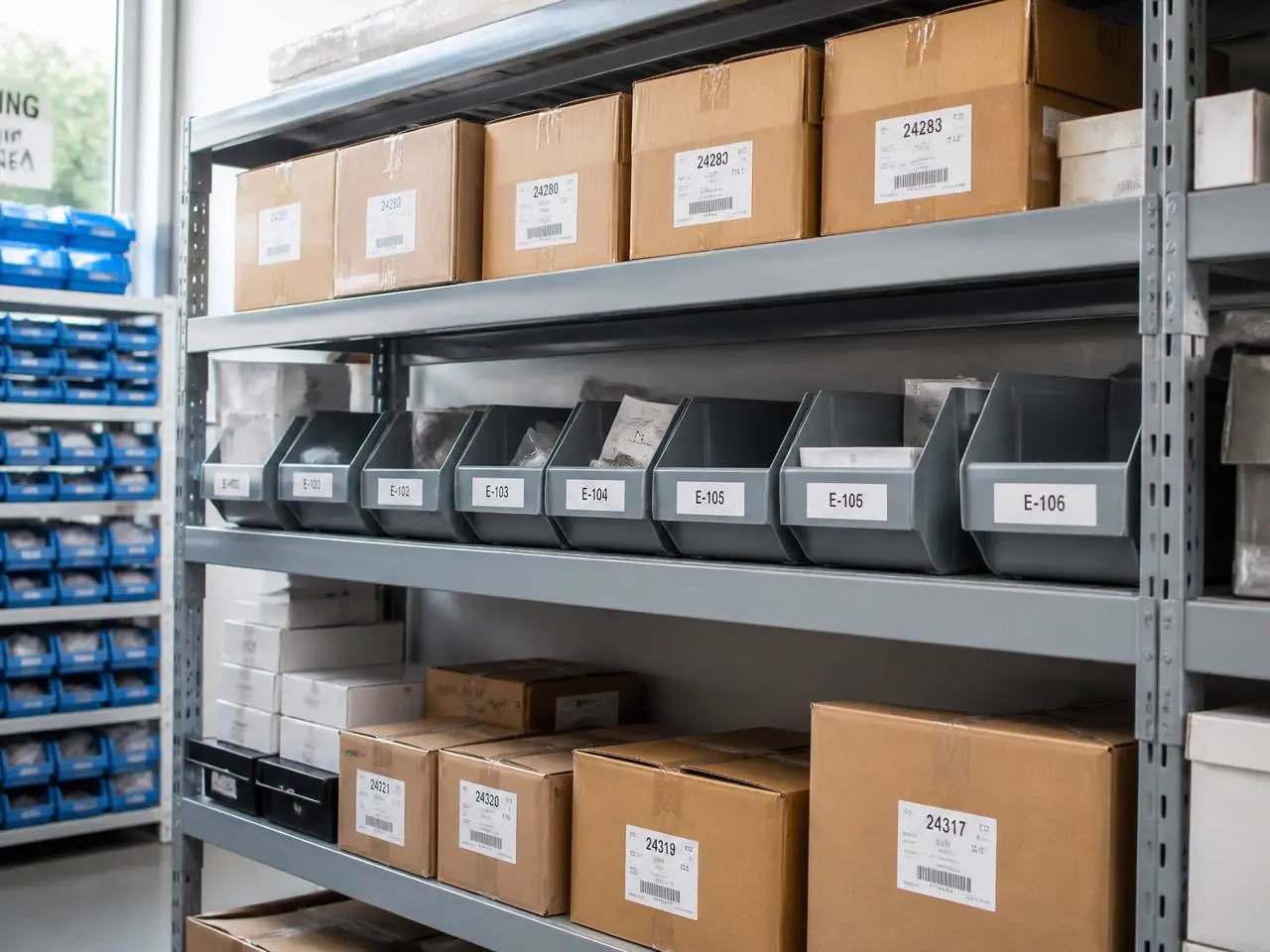
Know when stock disappears or runs low.
10 sec
to teach a new shelf
Per item
counting, not just motion
Daily
instead of monthly counts
What goes wrong today
The change happens long before anyone sees it.
- Counts happen monthly, so shortages surface weeks too late.
- Nobody knows who took the last box, or when.
- Spreadsheets say one thing, the shelf says another.
Example
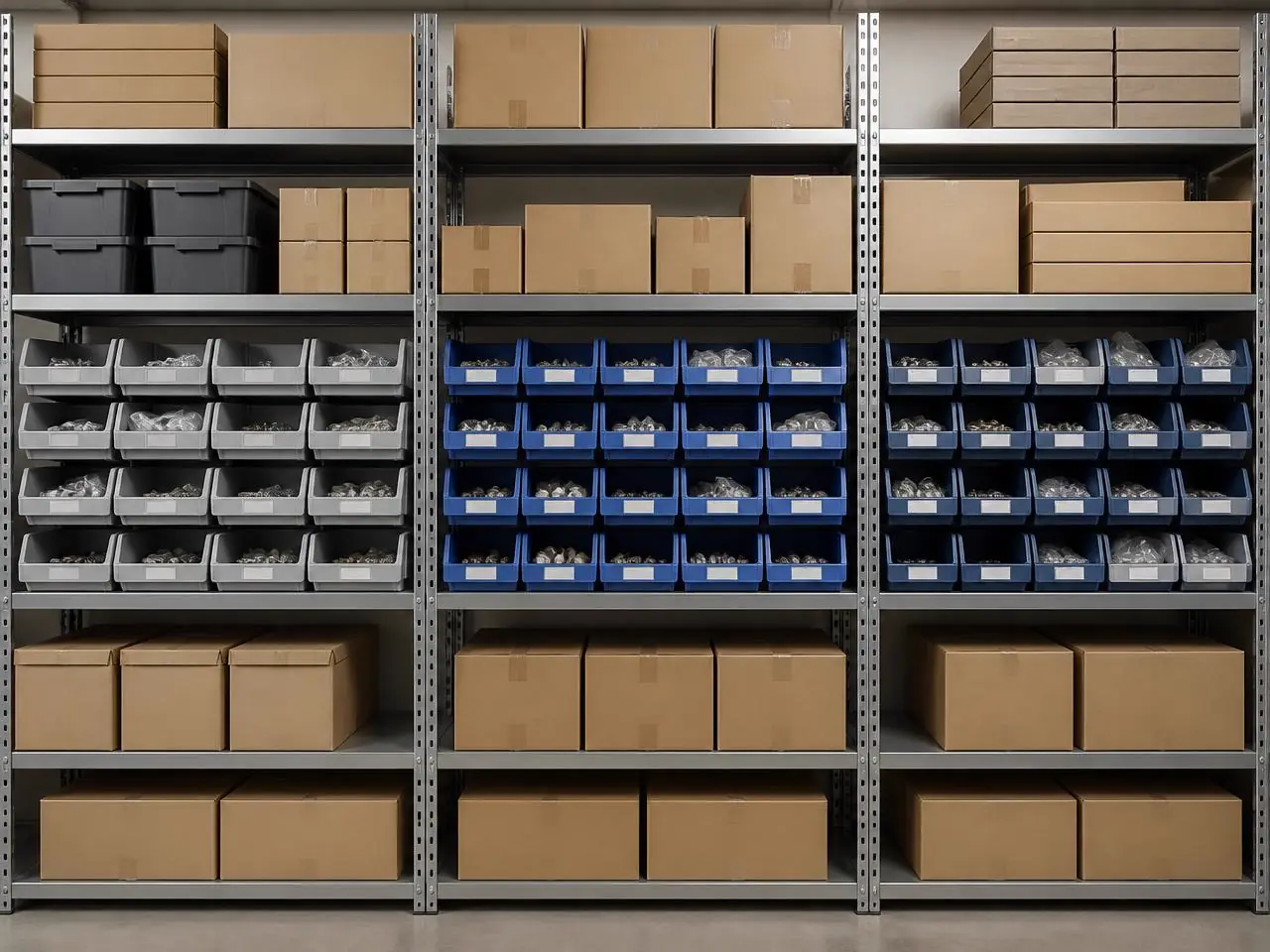
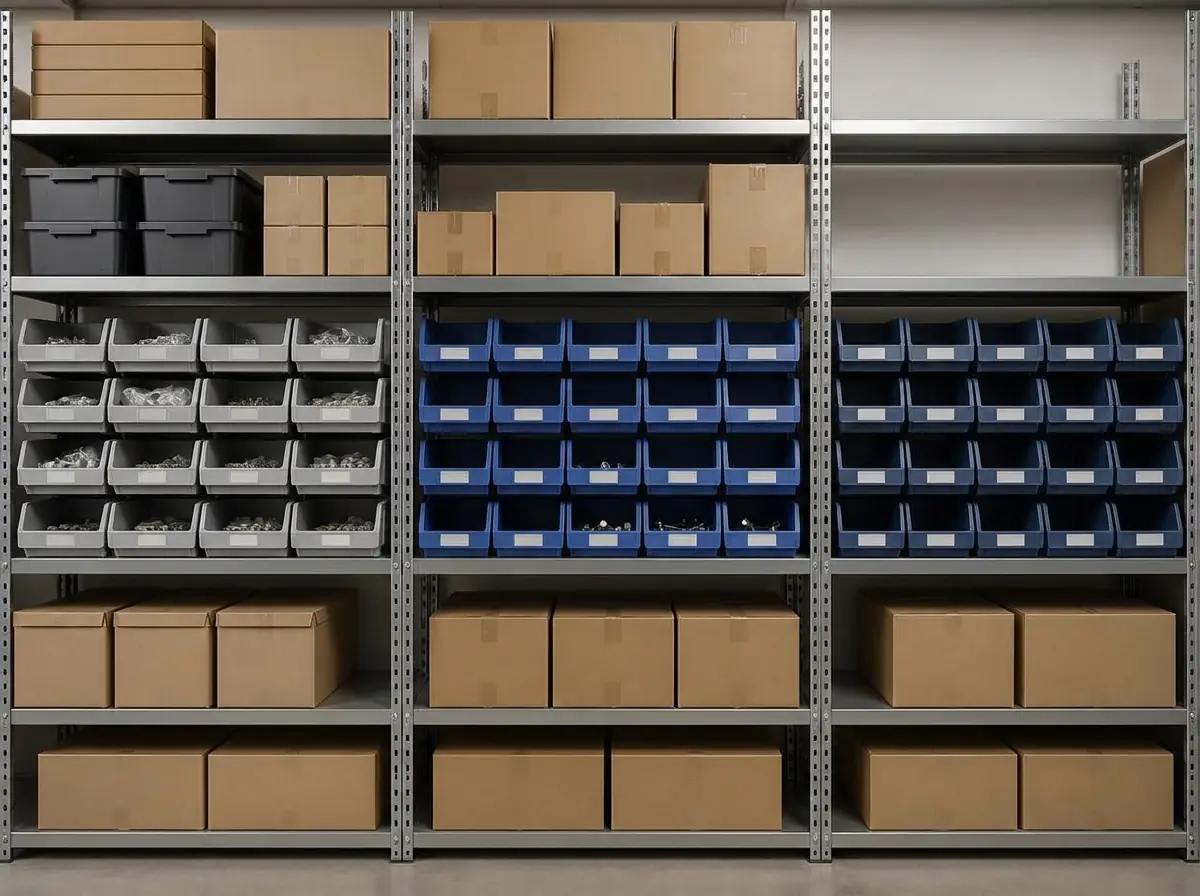
Baseline vs. scan, side by side.
The left photo is what you taught MemoSafe. The right one is a later scan, with every change boxed and named on the image itself.
What it detects
Trained on the details of inventory.
Missing items
Anything present in the baseline and gone in the scan is boxed in red with a confidence score.
Low levels
Partly filled bins and shelves are estimated as a fill percentage, not just present/absent.
Wrong place
Items that moved to another shelf are flagged as moved, not lost.
How it works
Four steps, one phone.

Step 1
Photograph the shelf
One clear photo of the storage area as it looks when it is correctly stocked.
Step 2
AI learns the stock
Every box, bin and label is identified and counted automatically — no tagging.
Step 3
Scan when you pass by
Anyone with a phone takes a new photo. Comparison takes seconds.
Step 4
Get the shortage list
Missing and low items land in your alerts with a photo showing exactly where.
In practice
Write the rule the way you would say it.
Area
Spare parts wall
Your rule
"Alert me if any bin drops below 20% full"
Alert
Bin E-104 is 15% full — 3 items left.
Area
Consumables shelf
Your rule
"Alert me if more than 2 boxes disappear in a day"
Alert
5 boxes missing since this morning's scan.
Area
Cleaning supplies
Your rule
"Tell me every Friday what has been used this week"
Alert
Weekly summary: 12 items consumed, 2 out of stock.