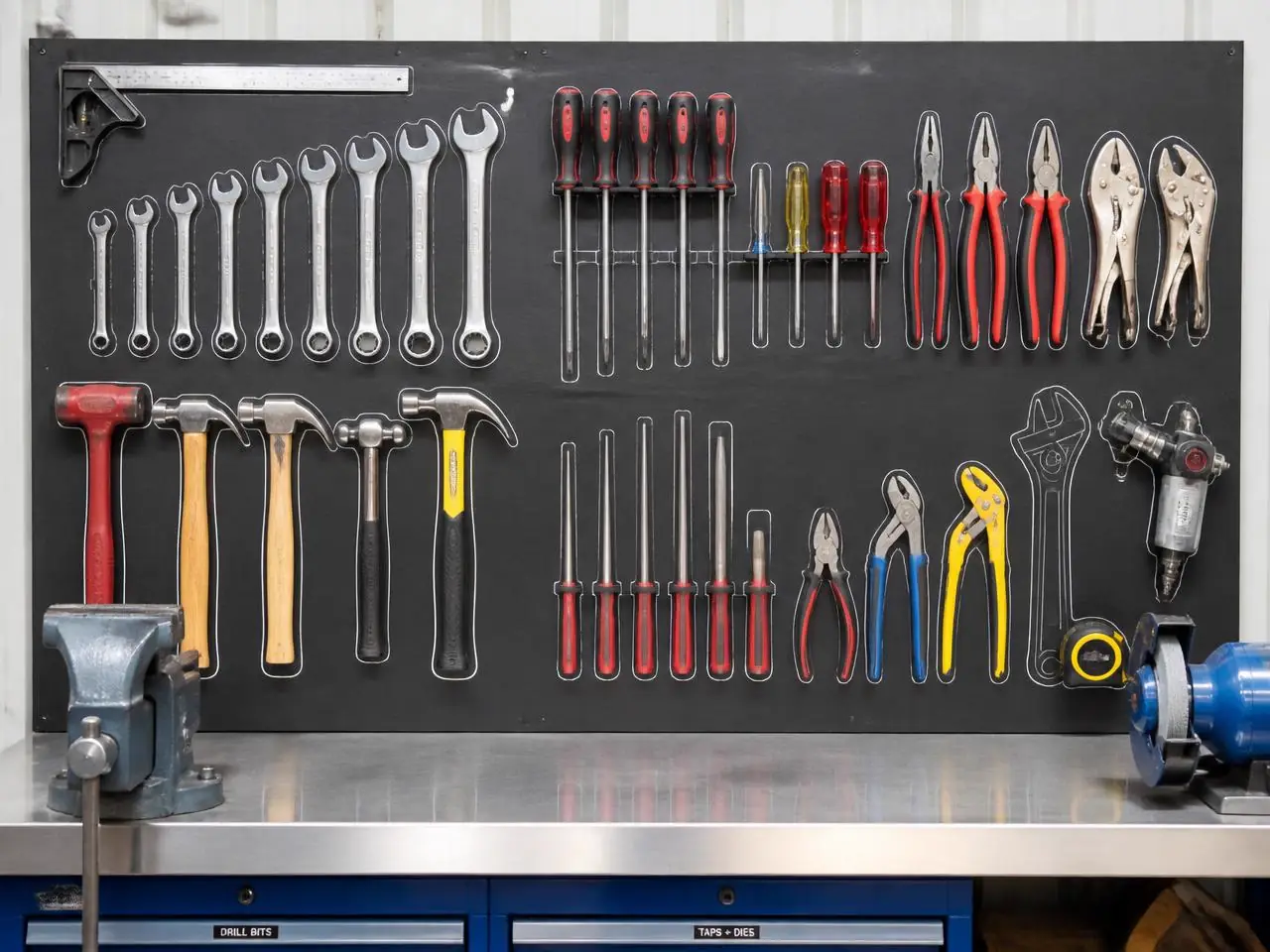
Tool walls, workshops and service rooms that audit themselves.
Per tool
verification from one photo
Shift end
audit in seconds
No tags
or RFID hardware
What goes wrong today
The change happens long before anyone sees it.
- Tools go missing and are only noticed on the next job.
- Service rooms drift from their layout after every callout.
- Tool audits take an hour and are skipped when it is busy.
Example
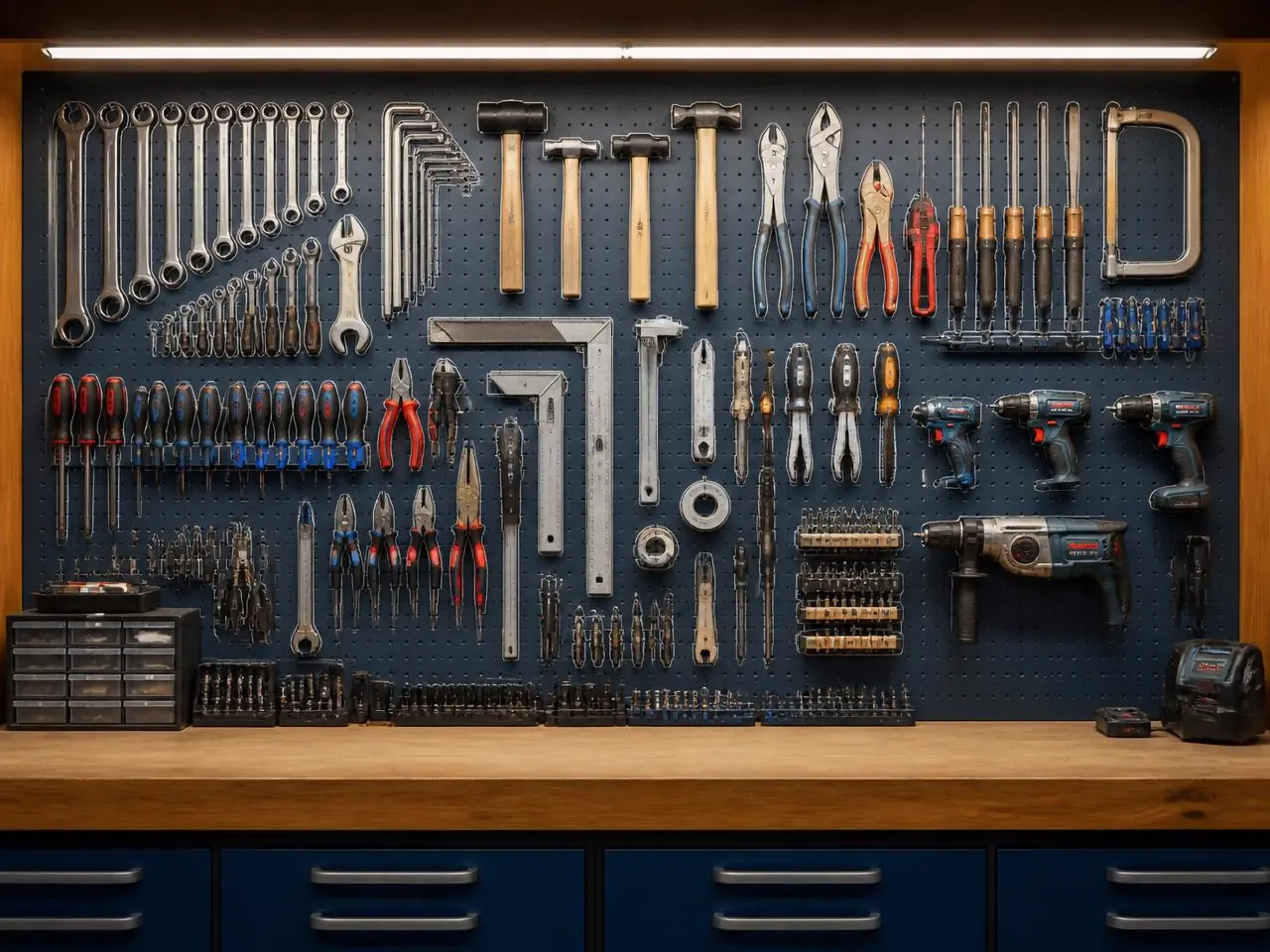
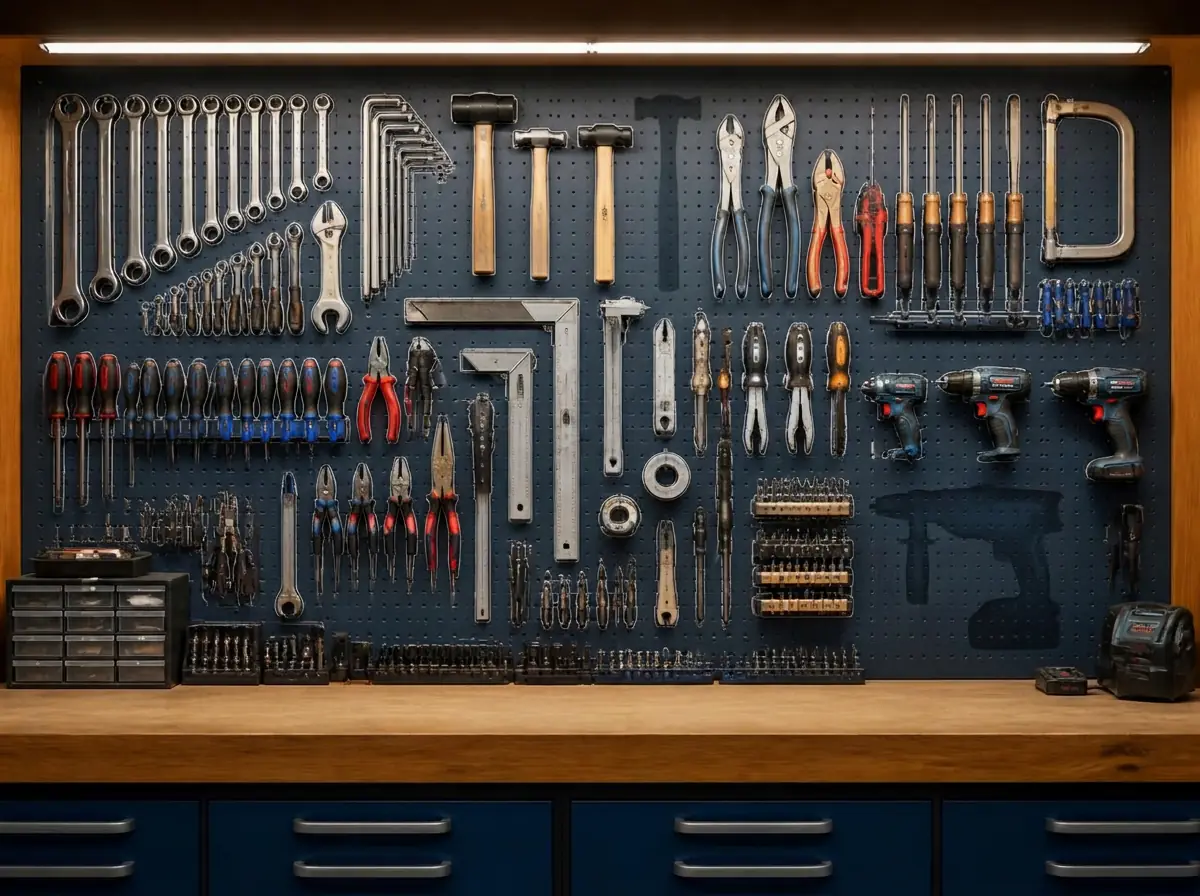
Baseline vs. scan, side by side.
The left photo is what you taught MemoSafe. The right one is a later scan, with every change boxed and named on the image itself.
What it detects
Trained on the details of equipment.
Tool-by-tool check
Each hanging position is checked individually against the baseline photo.
Time out of place
How long a tool has been missing, so a short loan is not treated as a loss.
Room layout
Service rooms and vans are compared to their standard layout after each job.
How it works
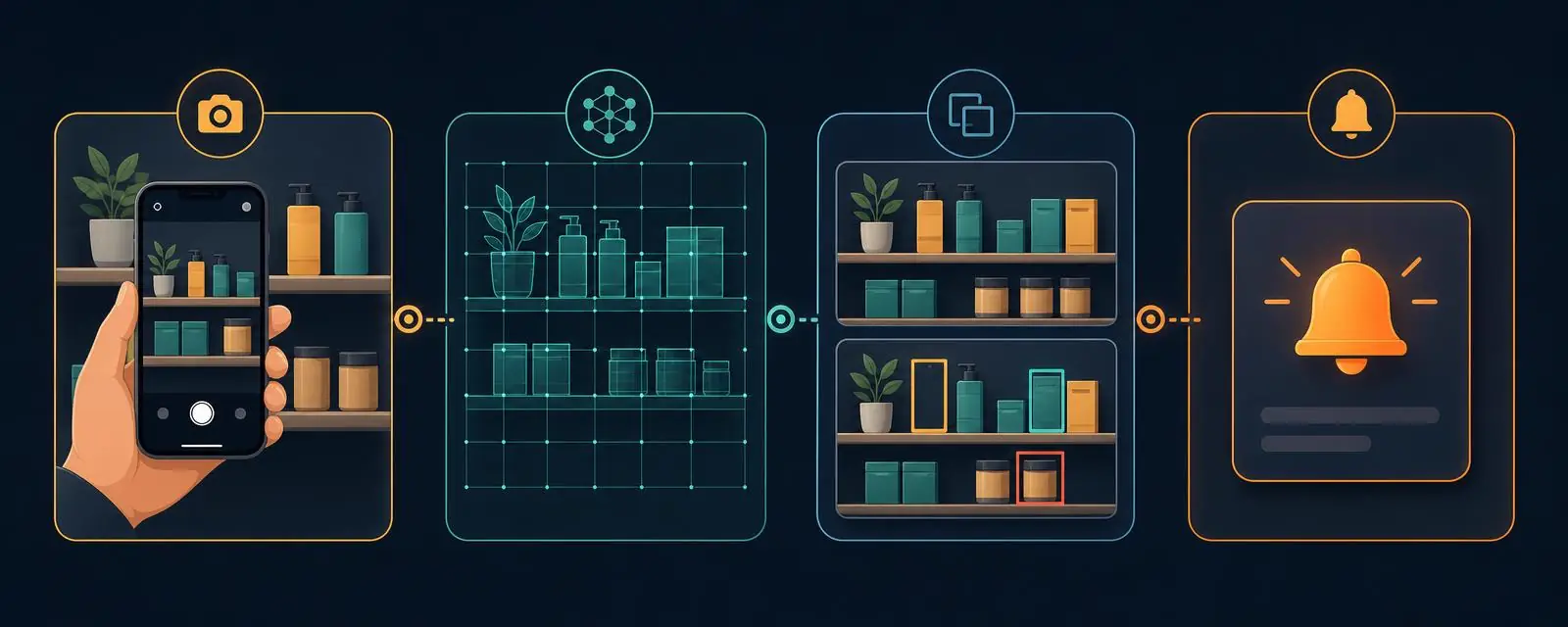
Four steps, one phone.
Step 1
Photograph the board
One photo of the tool wall, cabinet or van with everything in place.
Step 2
AI learns each position
Every tool and its outline is identified — no labels or tags needed.
Step 3
Scan at shift end
A single photo tells you whether everything came back.
Step 4
Chase what is out
Missing tools are listed with the time they went missing.
In practice
Write the rule the way you would say it.
Area
Workshop tool wall
Your rule
"Alert me if any tool is missing at 16:00"
Alert
2 tools missing at shift end: wrench, hammer.
Area
Service van 3
Your rule
"Alert me if the van layout differs from standard"
Alert
Van 3 missing the pipe cutter after today's job.
Area
Calibration room
Your rule
"Tell me weekly which instruments moved"
Alert
Weekly report: 3 instruments moved, all returned.